Everything your team needs, in one workspace
A quick tour of the parts of Totalis your people use every day.
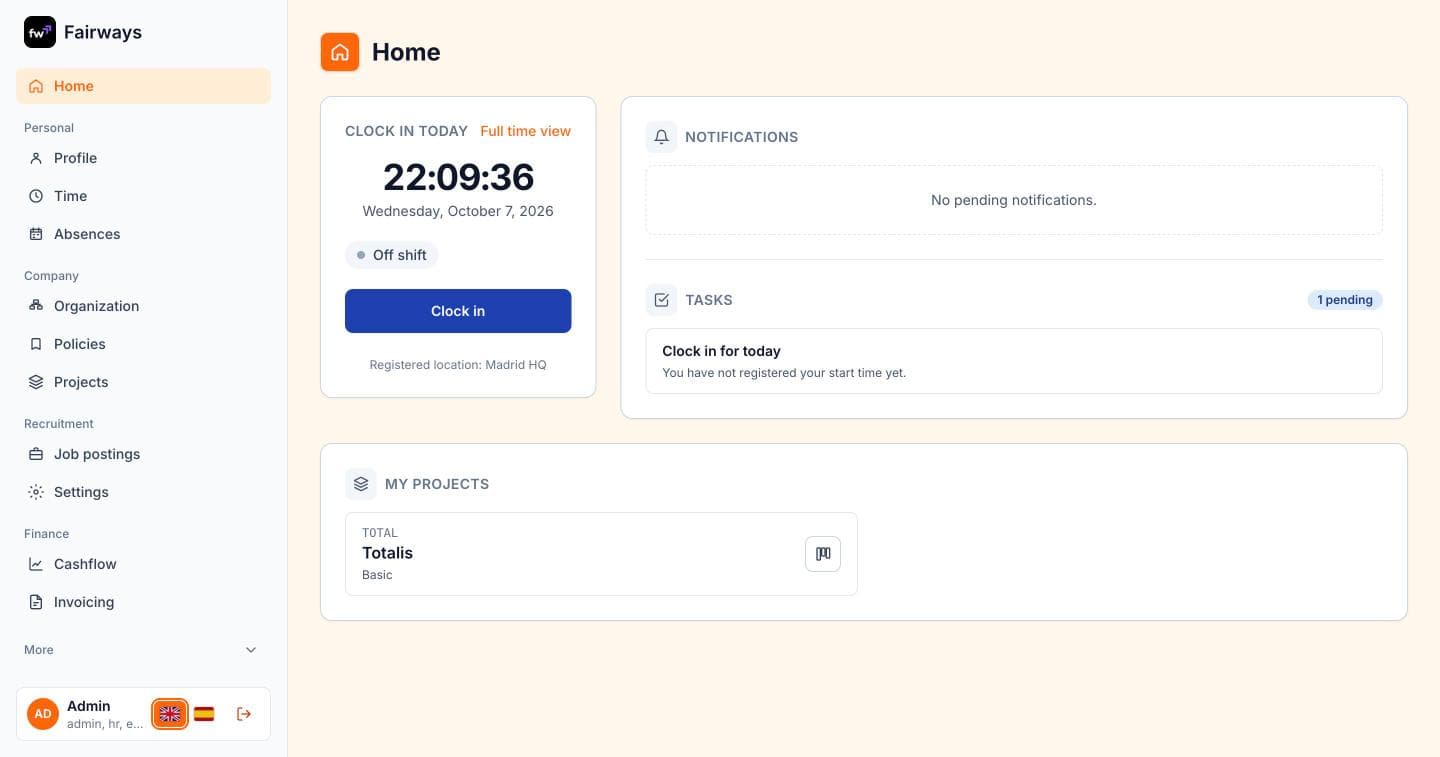
Home
Start the day in one place
Every employee lands on a dashboard with what needs their attention today.
- Clock in and out with the legally required time record
- Notifications and pending tasks, like an open work day to close
- Quick access to the projects you work on
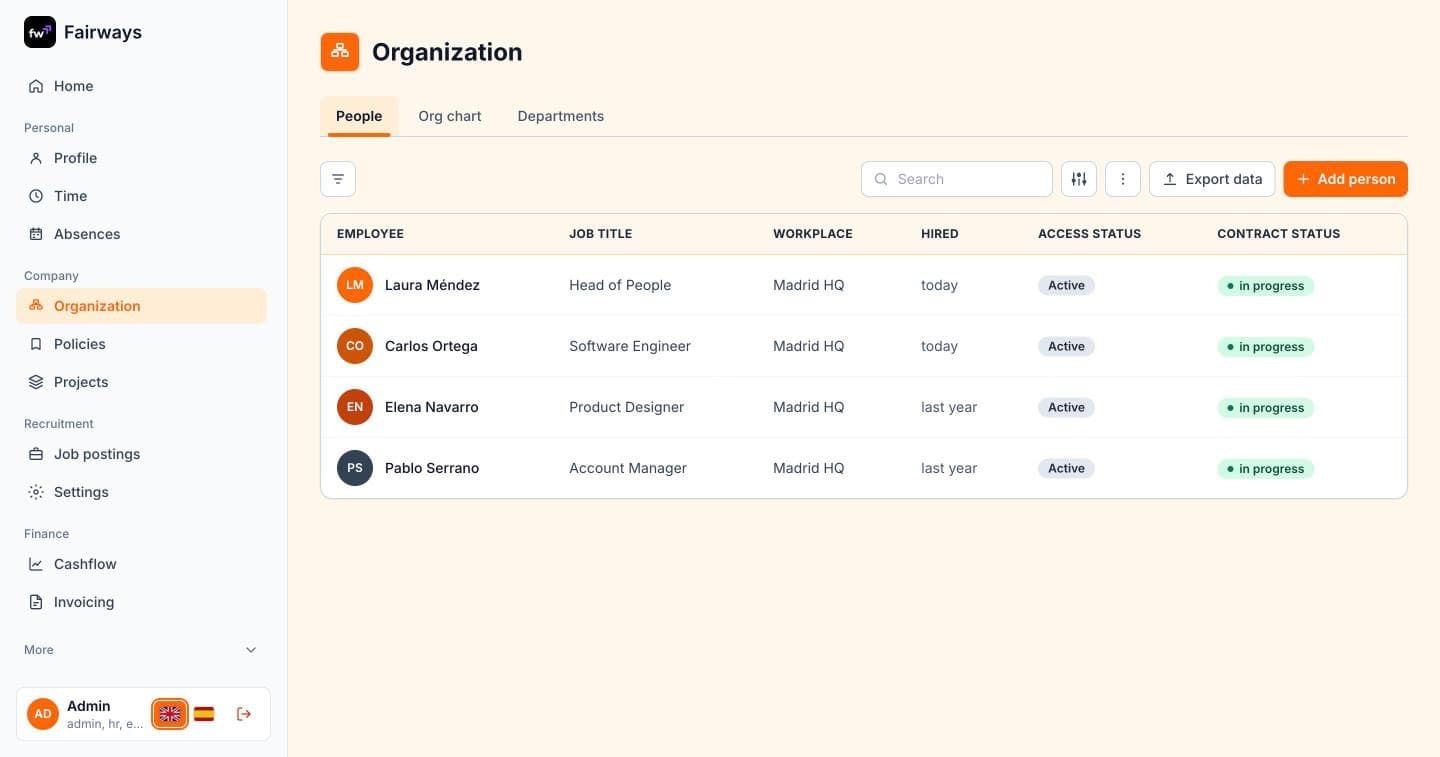
People
Your whole team at a glance
A single directory of everyone in the company, always up to date.
- Job title, workplace, start date and access status for each person
- Search the directory and export it to a spreadsheet
- Add new people or import historical records
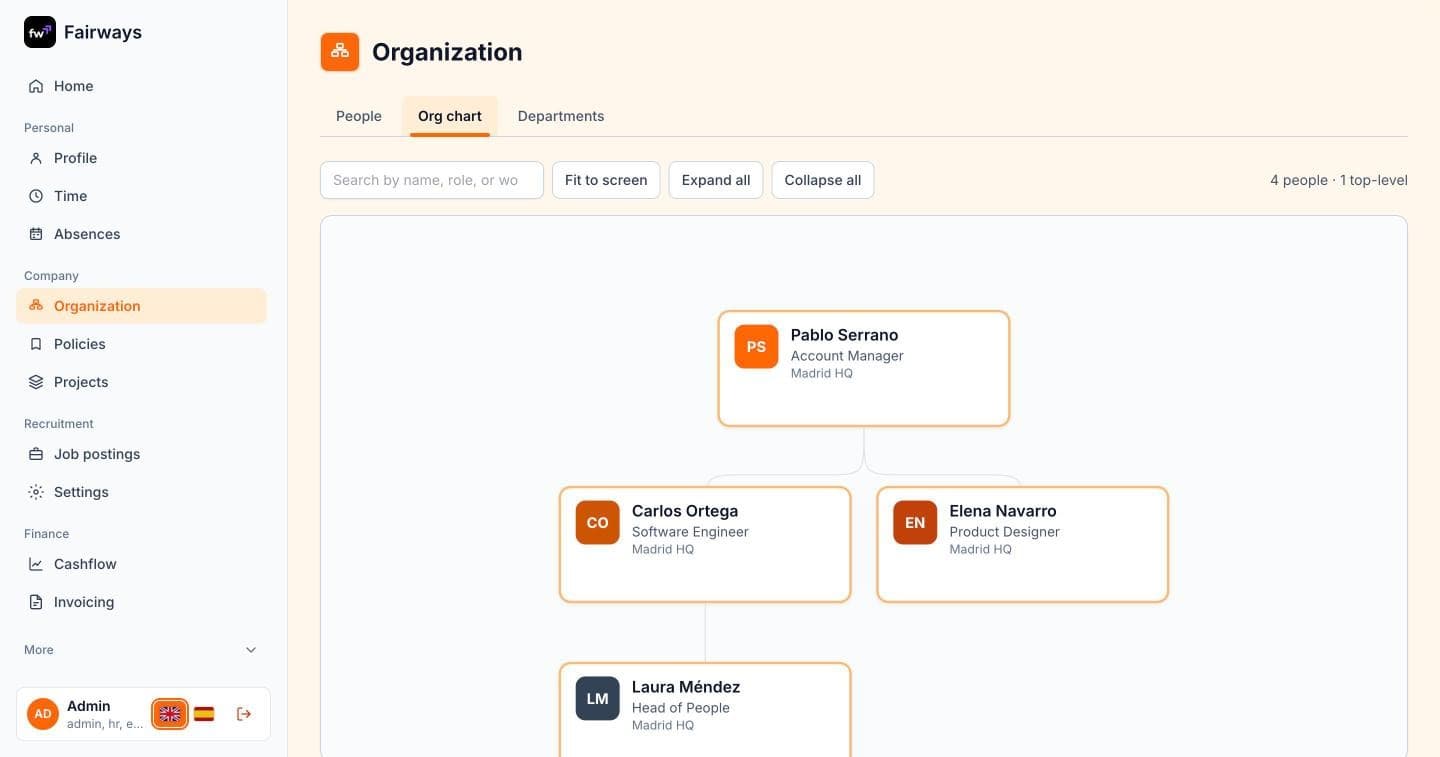
Org chart
See who reports to whom
The org chart is drawn from your reporting lines, so it changes when your team does.
- Search by name, role or workplace
- Expand, collapse and fit the chart to the screen
- Change a manager from the person’s profile
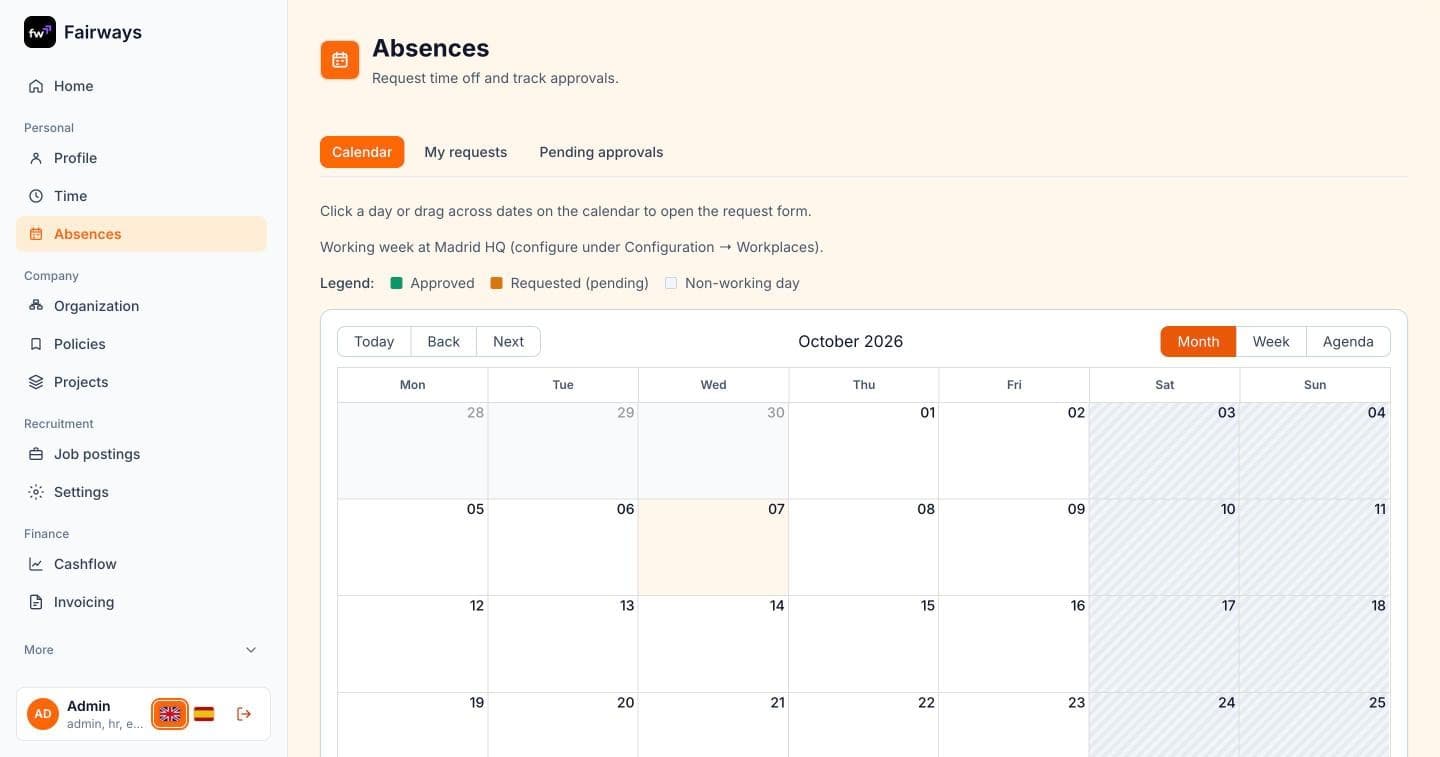
Absences
Time off without the back-and-forth
Request leave from the calendar and follow it through approval.
- Each workplace’s working week and public holidays built in
- Leave balances from your collective agreement
- Approvals by manager, HR or both
And there’s more
Time tracking
Legal time registration with breaks, corrections approved by managers, and time allocated to projects.
Applicant tracking
A careers page, job postings, interview plans and a candidate board — hire and onboard in the same tool.
Projects & tasks
Task boards with your own workflows, comments and history, and the projects people are part of.
Company policies
Publish policies per department and track who has read and accepted them.
Invoicing
Quotes, invoices and credit notes with numbering series, PDFs and Spain’s VERI*FACTU in progress.
Mobile app
Clock in, request absences, read company policies and follow your tasks from your phone.
Screenshots use sample names.